Take the guesswork out with built in security you can trust. Advanced protection included to keep your business data and devices safe. Extend with optional security add-ons for even more peace of mind.
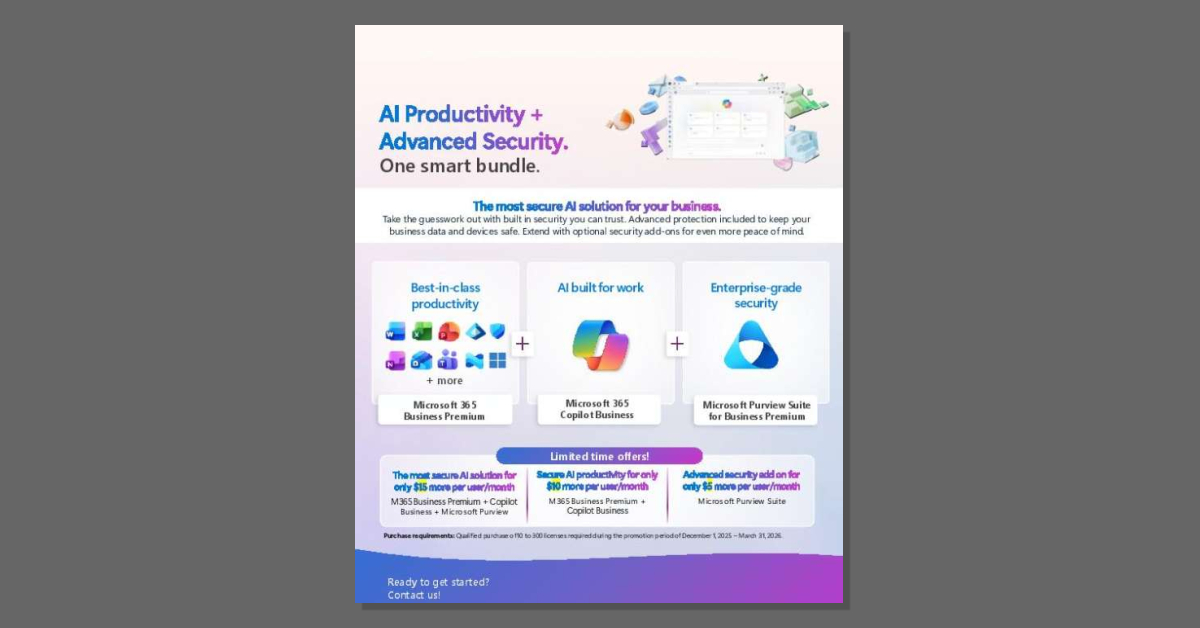
Take the guesswork out with built in security you can trust. Advanced protection included to keep your business data and devices safe. Extend with optional security add-ons for even more peace of mind.

Social Message

Delivering essential services requires time and focus, yet administrative tasks often drain both. The Kent County Council story illustrates how Microsoft 365 Copilot streamlined their workflows, enabling them to allocate more resources to frontline service delivery. Read the story for a clear view of Copilot’s real-world impact. Contact A Systems Integrator for tailored advice on how Copilot can boost productivity in your organization.

The eBook “Fortify Data Security with Microsoft Purview” helps security decision makers understand how a unified Microsoft Security platform eliminates data security blind spots. Download the eBook to discover how Microsoft Purview combines information protection, data loss prevention, insider risk management, and AI-driven adaptive protection with Microsoft Security Copilot to help teams detect risks earlier and respond to incidents faster. To explore how Purview strengthens data security across your digital estate, complete this short form.
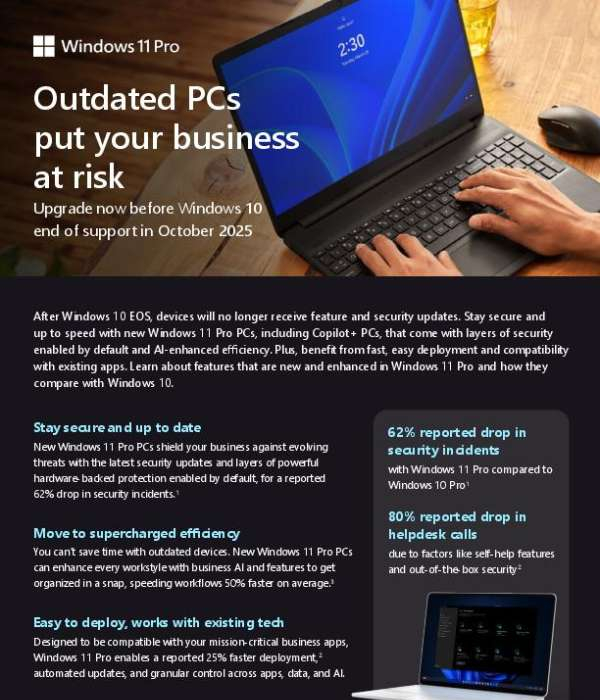
Outdated PCs leave your organization vulnerable. With Windows 10 support ending, it’s critical to shift to a secure, efficient solution that keeps your business moving forward. This brochure provides a side-by-side comparison of Windows 10 Pro and Windows 11 Pro, clearly showing what’s improved. Download and review the brochure to understand how upgrading devices can protect your business, improve productivity, and streamline deployment. Then contact A Systems Integrator to discuss how we can support your transition.
Productivity bottlenecks keep employees from focusing on strategic work. The video, “Supercharge productivity with Microsoft 365 Copilot,” shows how Copilot simplifies everyday tasks from summarizing meetings to creating content in Microsoft 365 apps. Watch to see how Copilot drives efficiency and enables employees to focus on what matters most. Contact A Systems Integrator for a personalized Copilot demonstration.
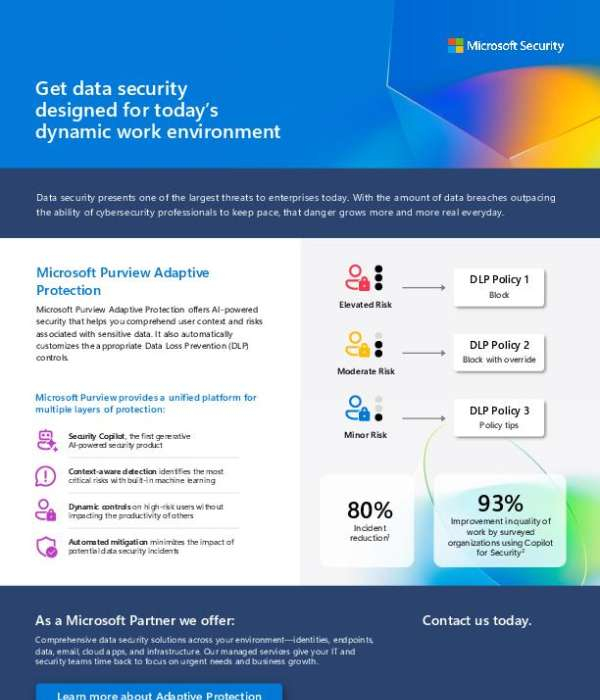
Sensitive data moves quickly across apps, devices, and cloud services, making risk harder to track. This solution brief shows how Microsoft Purview Adaptive Protection uses AI to understand user behavior and automatically apply the right data loss prevention controls. Download the brief to see how it protects sensitive data without slowing work down.
View: Get data security designed for today’s dynamic work environment

Security teams managing complex cloud environments often face alert fatigue and limited visibility. This customer story from Icertis shows how Microsoft Defender for Cloud helped reduce SOC incidents by 50 percent while strengthening cloud security operations. Read the story to see how unified protection can improve threat detection and response.

Security teams often struggle with a lack of unified visibility across their tools, which delays the detection and neutralization of threats. St. Luke’s addressed this challenge by implementing Microsoft Security Copilot to integrate its security stack. This integration drastically reduced the time spent on phishing triage, saving the organization nearly 200 hours every month. Read the full story to learn how they achieved these results.

OPEN COPILOT Now: